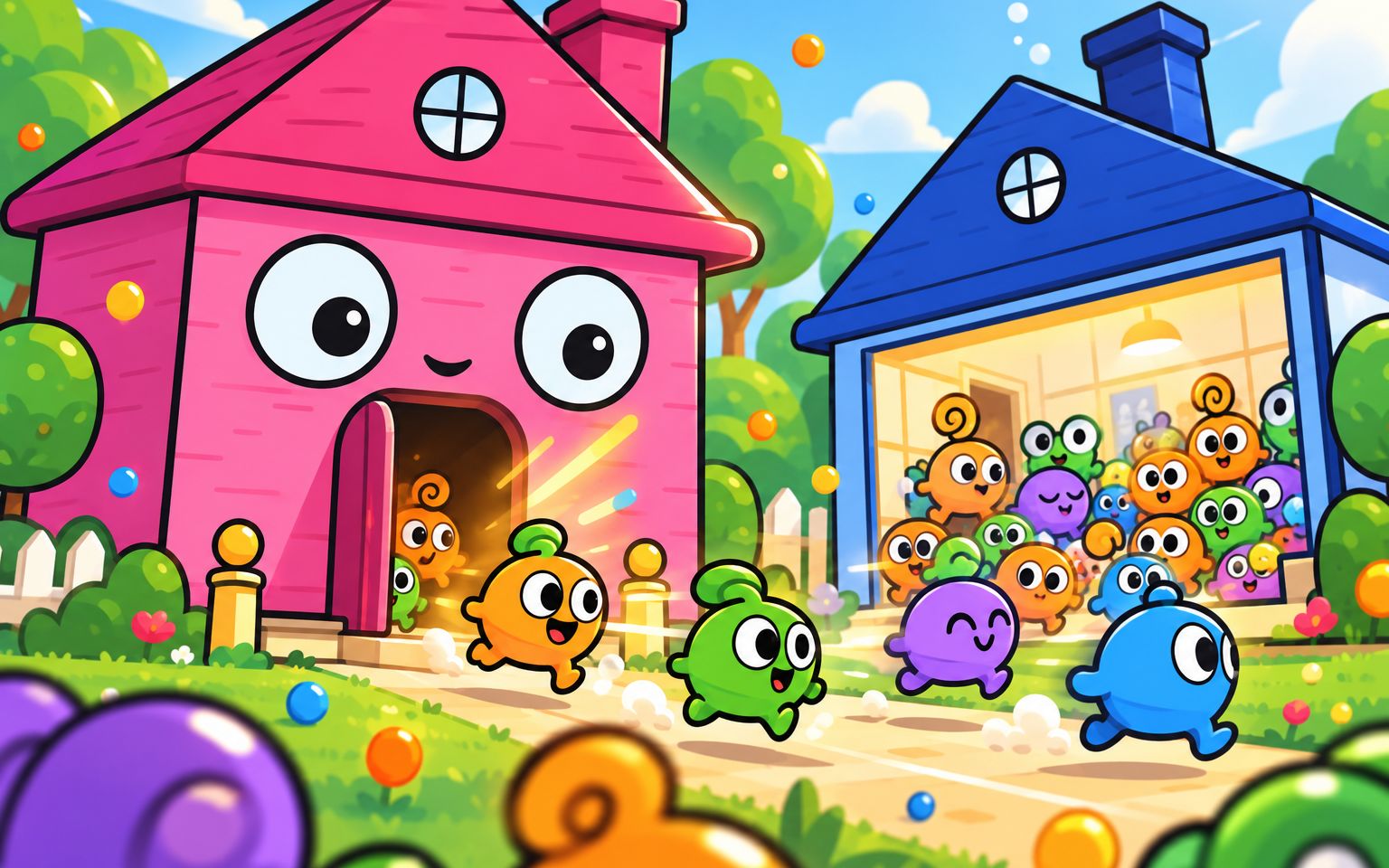
Split is a one-button arcade dash starring Pip and Bo, two slime twins racing up a sunny jungle floor. Hold, and they stretch apart on a strand of goo and slide out to the sides. Let go, and they squish back together into a big hug. A temple stone in the middle? Split around it. Rocks and logs on both sides? Hug and squeeze through the gap.
You learn it in a second and chase your best for a long time. Every run is a new track, and the jungle speeds up the further you go.
How to play
- Hold anywhere on the screen, or hold Space, to pull the twins apart.
- Let go to squish them back together.
- A rock in the middle means split. Rocks on the sides mean hug.
- Fruit is everywhere: cherries on Pip’s side, blueberries on Bo’s side (grab those split), and star fruit in the middle (grab it hugging).
Scoring
- Every rock you pass is worth 1 point. Slip past one by a hair and it’s a close call, worth 2.
- Fruit builds a combo up to ×5, and each fruit is worth your current combo.
- Miss a fruit and the combo resets, so decide fast whether it’s worth the detour.
Tips
- Change shape the moment you clear a rock, not when the next one is already on you.
- Hugging is faster than splitting. When in doubt, start splitting early.
- Fruit in the “wrong” place is bait. Go for it only when the gap is long enough to switch back.
- Runs of alternating rocks have a rhythm: hold, release, hold, release.